QRAFT: your gaming record
Explore connected games, account evidence and the stats, achievements or playtime a supported provider makes available. Coverage differs by connector and account privacy.
QRAFT & Gamer Passport
Steam library, game accounts and a handle your teammates recognize. QRAFT brings supported gaming identities into one profile; Gamer Passport is the compact view you can choose to share.
Connected, with context
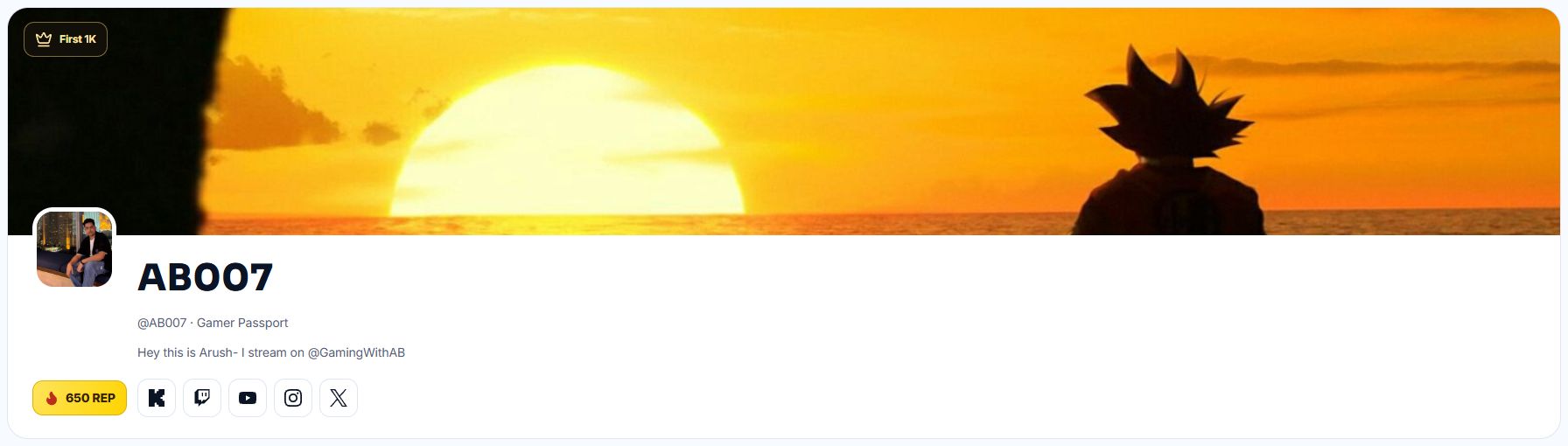
Bring your handle, connected games and REP into one public profile. Each game’s deeper record still follows its connector and visibility settings.
Explore your games on QRAFT ↗Explore connected games, account evidence and the stats, achievements or playtime a supported provider makes available. Coverage differs by connector and account privacy.
A compact profile with your handle and connected games. Choose public visibility when you want to share it; deeper game records remain governed by their own visibility settings.
Account ownership, provider data and performance are different signals. A connected identity is not automatically a verified competitive rank or official tournament result.
Private data stays private. Empty or unavailable records are not filled with invented numbers, and public pages show only what the account’s visibility allows.
Start your record
Sign in normally and choose a supported connector. Use its existing verification flow; never send another player your password or account token.
Some games return achievements and playtime; others return a smaller account record. Check the source and freshness instead of assuming every stat is live.
Review your Passport and game-stat visibility before sharing a public link. Sharing a profile does not publish private messages or precise location.
Before you connect
Open Game Manager, sign in and choose one of the available connectors. Complete its normal account verification, review the returned record, then choose what your public profile may show. A connected account does not publish every game statistic.
That record can stay unavailable or limited. QRAFT does not invent missing rank, playtime or match results. Review the source and freshness in the game view before treating a number as current.
QRAFT brings supported gaming identities and their available records together. It does not promise live match statistics for every game or replace the publisher’s own account tools.
No. Public pages follow your Passport and game-stat visibility. A private or unavailable game record is not made indexable just because an account is connected.
Giving REP requires signing in and using the account’s permitted actions. Anonymous public previews are for viewing the shared record.
Take it into the next session
Explore the games supported by Party Finder and agree on a role, region and plan with your next teammates.
Find teammates