Recruit for the missing job
Party Finder can recruit around squad roles instead of treating every open seat as identical.

BGMI on BytePlay
Build an India-first BGMI squad around four player roles. Find teammates with a shared region, language and microphone preference, then agree on the next session.
Built into BytePlay
Party Finder can recruit around squad roles instead of treating every open seat as identical.
Region, language, microphone policy and play intent travel with the Party so a join decision has useful context.
A formed Party can move into ByteHub squad coordination, voice and match setup without rebuilding the group from scratch.
Review connected identity where available and check any verified-only joining requirements before asking to join a Party.
From search to squad
The button opens Party Finder with BGMI selected. Sign in if needed, then check the current squads available to your account and region.
An IGL calls the plan; an Assaulter / Entry leads engagements; Support and Sniper / DMR describe different jobs. Flex means agreeing where you can help, not a verified skill rating.
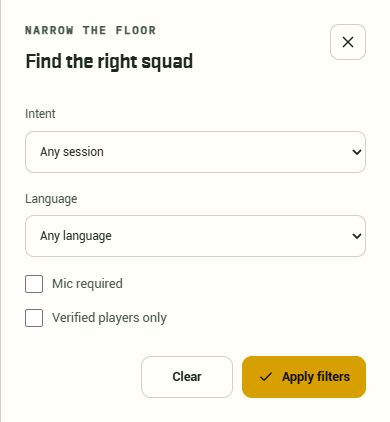
Read the open seats, intent, microphone policy and verification requirement. Casual play and scrim practice need different commitments. An invite-only Party needs an invitation.
Already in a Party? Review its roster and admission rules first. BytePlay keeps your current group; opening this page does not create or join another one.
Find a BGMI squadInside Party Finder
Before your next session
Name your role, region, language, microphone preference and play intent. Party Finder supports IGL, Assaulter / Entry, Support, Sniper / DMR and Flex for a four-player squad.
You can label a Party for scrim or tournament practice and agree on lobby instructions. BytePlay coordination does not turn a practice match into an official tournament result.
No. BytePlay helps you form and coordinate a four-player group. You still arrange the BGMI lobby and use the game's own queue. Finding a Party does not guarantee a rank, win or tournament place.
Check the current directory and your filters after signing in. A private Party needs its captain's invitation. If you already belong to a Party, review that group first; this page does not promise an available seat or an instant match.